Web Tools
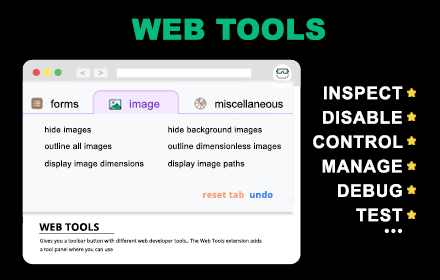
Quickly toggle common frontend features and debug layouts, performance, and behavior directly from your browser toolbar.

Instantly disable CSS to inspect raw HTML structure, identify layout issues, and debug styling problems.

Turn off JavaScript to test progressive enhancement, fallback behavior, and page accessibility.

Hide or disable images to analyze layout behavior, loading performance, and content structure.

Easily clear or disable cookies and storage to test login states, sessions, and user flows.

Useful tools for inspecting page behavior, testing edge cases, and speeding up frontend QA.

Ideal for frontend developers, QA engineers, and web designers who need fast debugging tools.

Stay updated! Get useful tools, tips, and updates straight to your inbox.


